If your property is located near the coast and you are planning shoreline improvements alongside fencing, understanding the
Galveston Island bulkhead construction cost
can help you better plan your overall outdoor project budget.
Additional Information for Calculating Chain-Link Fence Estimates (4 and 6 Feet High)
Our online chain-link fence calculator helps estimate the cost of installing chain-link fences in multiple colors and standard heights of 4 and 6 feet. In most cases, the estimate is very close to the final price, with accuracy depending on the correctness of the data entered — primarily the fence length and the number of sides. The calculator is easy to use and will help you calculate both material and labor costs by following the instructions below.
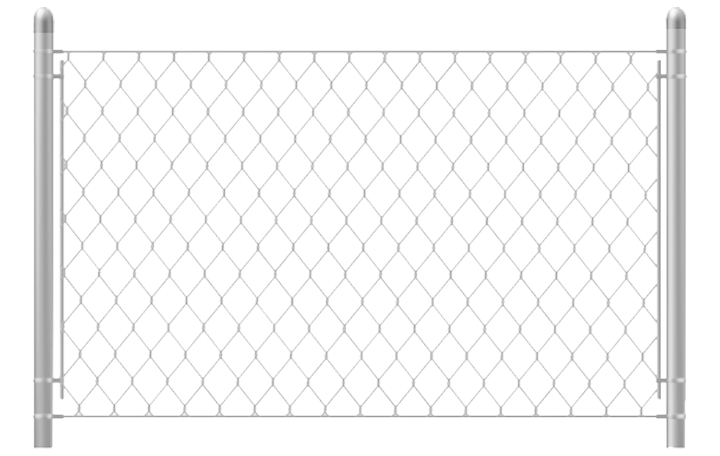
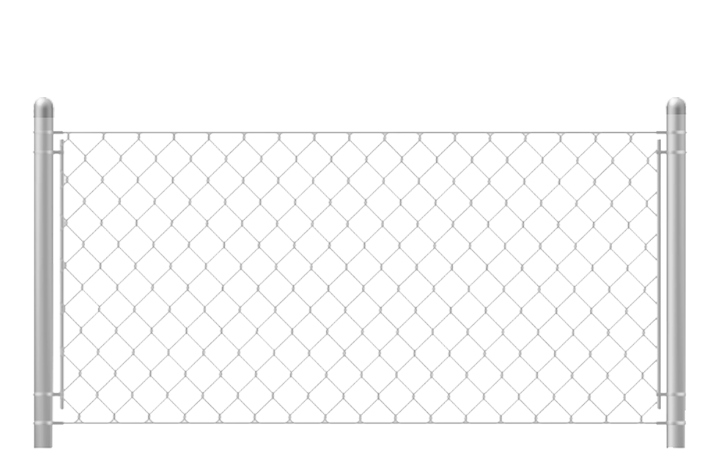
Choose your fence design — Browse available options by clicking the buttons. You can select from galvanized, black, or green chain-link fencing, and the preview image will reflect your choice.
Select the fence height — The most common heights are 4 and 6 feet. By default, the calculator is set to 6 feet.
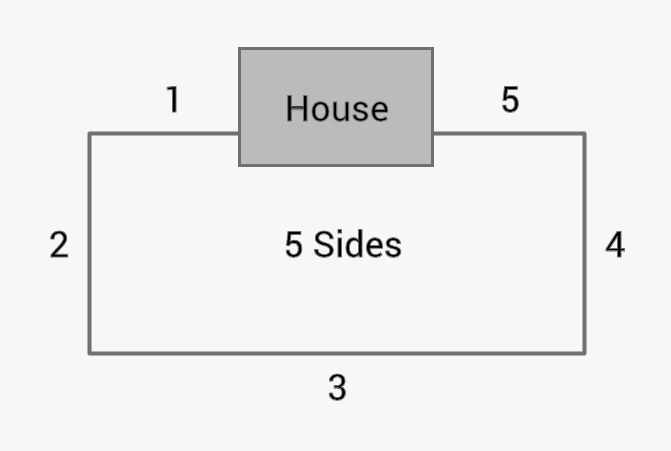
Select the number of fence sides — Choose the number of sides based on your layout (for example, a five-sided fence). If you only want to calculate the cost of a gate, leave this value set to “0.”
Enter the fence length in feet — The total fence length is one of the primary factors affecting cost. Measure as accurately as possible.
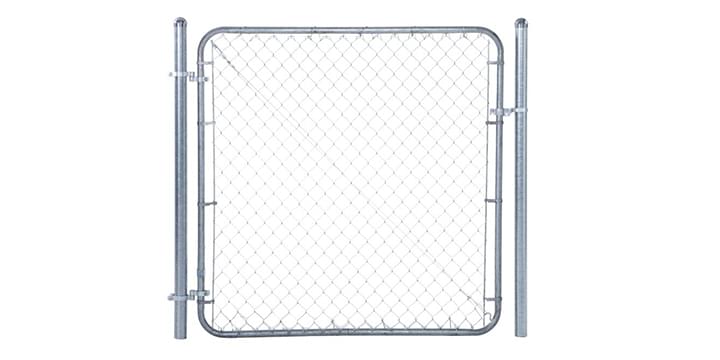
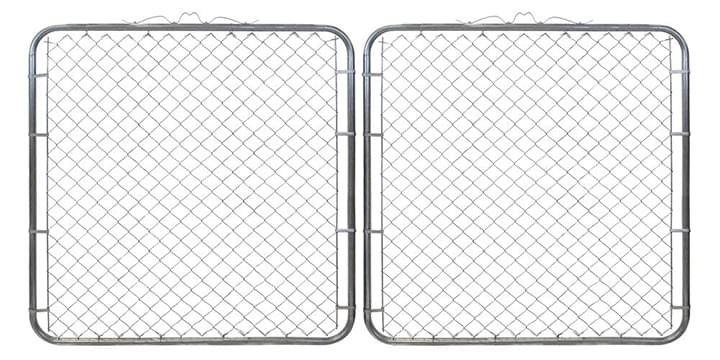
Include gates — If your project includes single or double gates, click “Add Gates” and select the appropriate quantities.
Demolition, hauling, and material delivery — Check this option if you need removal of an existing fence, hauling services, or delivery of new materials.
Calculate — Click the “Calculate” button to generate your estimate. If required fields are missing, the system will prompt you to enter the number of sides, total length, or gate details.
Download estimate — You can download the calculated estimate as an image once all required fields are completed, including your name, phone number, and full address with ZIP code. After clicking the button, allow up to 10 seconds for the image to generate. If nothing happens, click “DOWNLOAD ESTIMATE” again. On iPhone and iPad, you may need to manually save the image to your device.